
1. Download G Suite Sync for Microsoft Outlook from the following website: G Suite Sync for Microsoft Outlook®

2. Once you download and install the G Suite Sync for Microsoft, enter your adpc email address. Click "Continue".


3. In your browser window, click "Sign in through adpc.net".

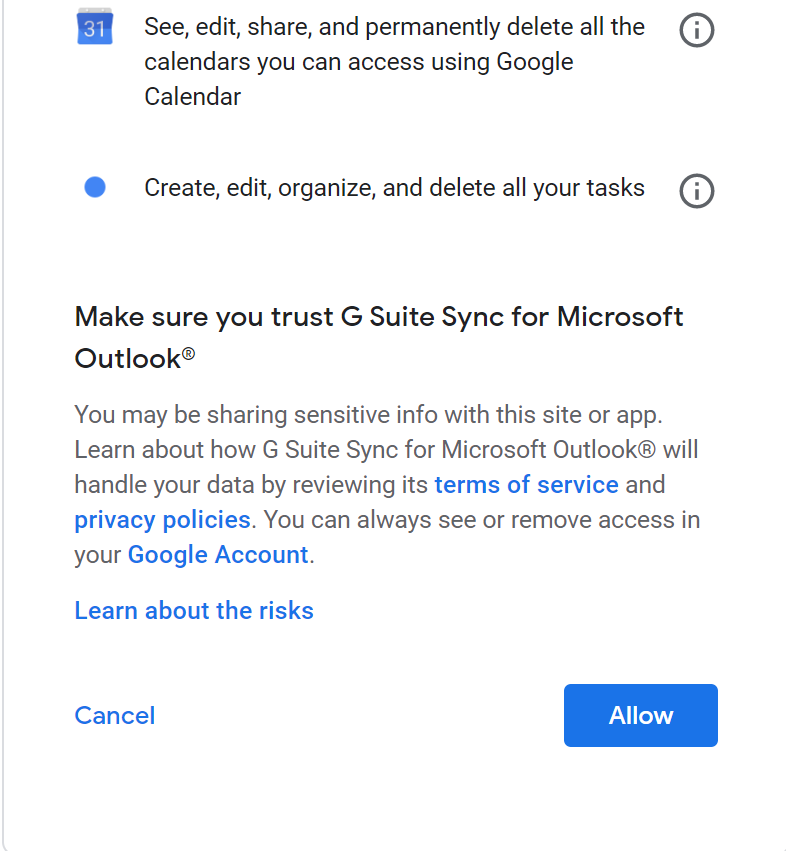
4. You will be redirected to a CAS login page. Sign in with your adpc.net account, and will be asked to grant permissions to G Suite Sync.

5. Create a profile
